How to increase restaurant reservations
To increase reservations, follow seven steps: make booking easy, take reservations around the clock, fill your quiet slots, cut the number of no-shows, turn tables faster, ask for the reservation, and get the guest to book again.
- Book around the clock
- 0 commission on your own reservations
- Same guest profile as loyalty
To increase restaurant reservations, make a table easy to book, take reservations around the clock and fill the quiet slots. Then cut the number of no-shows, turn tables faster, ask every guest for the next reservation, and bring guests back — seven steps you run from one reservation system.
- Easy to book
- Around the clock
- Fill quiet slots
- Fewer no-shows
- Turn tables
- Ask for it
- Rebook
More reserved tables in seven steps
This guide walks you through seven steps that put more tables on the book. Each step is one concrete thing you do, in order, and it works whatever system you run today.
- 1
Make booking easy
Put a reservation button where the guest already is: on your site, your Google profile and your Instagram link. Ask only for party size, date, time and a name — every extra question loses guests.
- 2
Take reservations around the clock
Let the guest book any time, including when you're closed. Show open times automatically from your tables and sittings, and confirm the reservation on the spot so the guest knows it's set.
- 3
Fill your quiet slots
Aim offers at the times that sit empty, not the ones already full. Send an offer valid only on the quiet slots to guests already in your guest database.
- 4
Cut the number of no-shows
A reserved table that sits empty is a lost reservation. A confirmation the moment they book and a reminder before the visit with a link to cancel cut no-shows. For large parties you can also ask for a card as cover — nothing is charged up front.
- 5
Turn tables faster
More sittings a night mean more reservations you can take. Set a hold time per party and seat parties at the right table so no four-top is blocked by two guests.
- 6
Ask for the reservation
Tell the guest where and when they can book. Put a “Book a table” button first on the site, in the menu and in your email signature — and ask for the next reservation with the check, while the guest is happy.
- 7
Get the guest to book again
A returning guest is cheaper than a new one. Save every guest in a guest profile, send an offer to guests who haven't booked in a while, and reward repeat visits with a digital stamp card.
Step 1 in practice: this is how easy booking should be
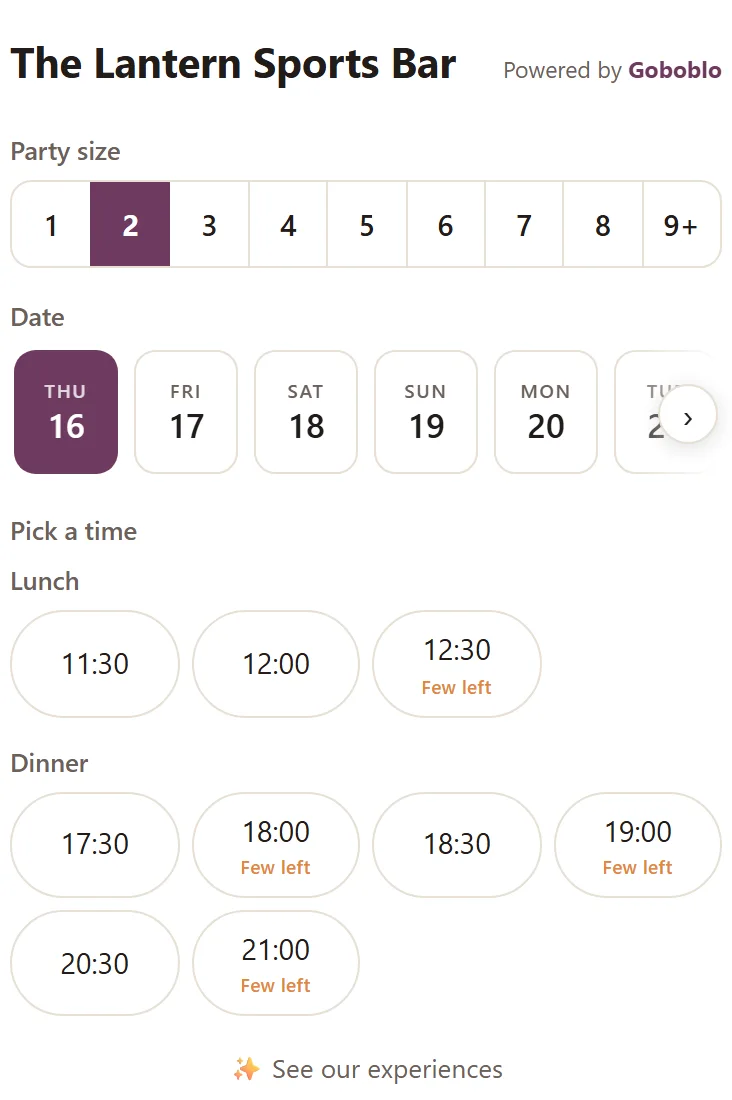
The guide's first step is making booking easy — try for yourself how easy it should be. This is the widget with the demo location's real times: three taps from a time to confirmed, around the clock.
- The guest picks a party size, a date and an open time — times that are filling up are marked Few left.
- The guest fills in a name and one way to reach them on the details step — and can pick a table or join the waitlist where it fits.
- Confirm reservation: the guest gets Reservation confirmed! with a calendar file and a manage link to change or cancel on their own.
- The reservation sits in your system the same second — with a guest profile, and nobody picked up a phone.
Thu, Jul 16 · · 2 guests
Filled in for you in the demo — the guest types their own.
See you soon! A confirmation is sent to your contact details.
- The reservation landed in your reservation system the same second — in the calendar and on the floor, no phone.
- The guest got a confirmation with a calendar file and a manage link — they change or cancel on their own, in four languages.
- A guest profile was created — next time you recognize Emma, and the reservation counts toward her history.
Catch the reservation the moment the guest decides
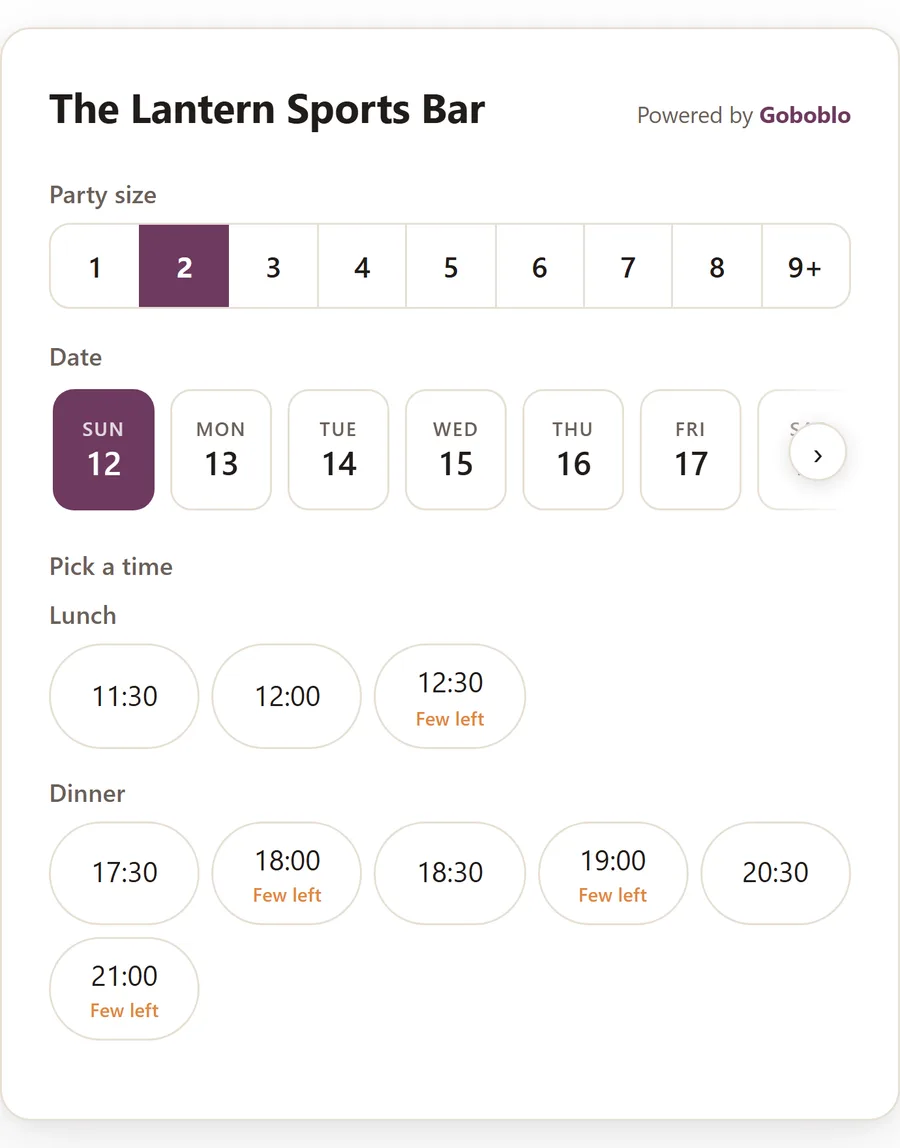
A reservation widget is a small form you add to your site where the guest picks a party size, day and time and books themselves. Fewer clicks mean more reservations. Show open times straight away — the guest should see a time to click, not an empty field.
- Reservation button on the home page, the menu and the Google profile
- Ask only for party size, date, time and name first
- Take reservations outside opening hours too
Move guests into the quiet slots
Friday and Saturday sell out while Tuesday and Wednesday sit half empty. Moving guests into the quiet slots grows your reservations without needing more guests. Weekday lunch is the easiest slot to fill.
- Find your empty slots — look at occupancy by day and service
- Send an offer valid only on the quiet slots
- Send it to guests you already have, not to new ones you pay to reach
Fill more of the tables you already booked
A no-show is a guest who books but never arrives and never cancels. A confirmation the moment they book and a reminder before the visit cut them, and for large parties you can also ask for a card as cover. Then set a hold time per party so the next reservation fits.
- A confirmation the moment they book and a reminder before the visit
- Card cover from the party size you choose — nothing charged up front
- A hold time per party so the next reservation fits
Ask for the next reservation while the guest is happy
A guest who is never asked rarely books. A clear prompt in the right place grows reservations without spending more on reach. And a guest you've already had is cheaper to bring back — save them in a guest profile and reward repeat visits.
- A visible “Book a table” button on every page
- Ask for the next reservation with the check, or a QR code on the table
- Reward repeat visits with a digital stamp card
Four mistakes that cost reservations every week
You fill more tables with two things: more guests who book, and fewer reserved tables that sit empty. These mistakes cost you both.
- Phone reservations only — a guest who gets no answer books elsewhere
- Too many questions in the form loses guests
- No reminder, so forgotten reservations become empty tables
- No reason to come back, so the guest doesn't rebook
- A reservation button that takes the reservation around the clock
- Ask only for party size, date, time and name first
- A confirmation plus a reminder before the visit
- Save the guest and ask them to book again
The same engine takes the reservation and remembers the guest
All seven steps in one system
All seven steps use the same thing: a reservation system that takes the reservation, a guest profile that remembers the guest, and a view that shows your open times. With Goboblo's restaurant reservation software you add a reservation widget to your site, take reservations around the clock, see your open times, send offers to empty slots and reward repeat visits — in one system. You pay a flat monthly fee and 0 commission on your own reservations, so a fuller book never costs you more per guest.
Want to go deeper on a single step: cut the empty tables with the guide on reducing restaurant no-shows, fit more sittings by turning tables faster, and bring back guests you've already had with a restaurant loyalty program. Because reservations and loyalty share one guest profile, you see the same guest whether they book a table or redeem a stamp.
What operators ask about more reservations
Are phone reservations enough on their own?
No. A guest who gets no answer books elsewhere. Add a reservation button that takes the reservation around the clock, so you catch the guest the moment they decide.
How many questions should the reservation form ask?
Ask only for party size, date, time and name in the first step. Every extra field loses guests, so everything else can wait until the confirmation.
Does a reminder help against empty tables?
Yes. A confirmation the moment the guest books, plus a reminder before the visit with a link to cancel, turns a forgotten reservation into a kept table or a freed seat. The full step-by-step is in the guide on reducing restaurant no-shows.
Why doesn't the guest come back on their own?
A guest with no reason doesn't rebook. Save every guest in a guest profile and ask them to book again, or reward repeat visits so a frequent guest feels it pays off.
Want to see how the reservations work in practice?
Book a short demo and we'll show the reservations, the reminders and the guest profile in a real restaurant flow.