Ordering system for fast food
The line between noon and one is the whole problem. The guest who orders on the way over does not stand in it — they walk up to the hatch and collect.
- Paid before pickup
- 0% fee on orders
- Free website included
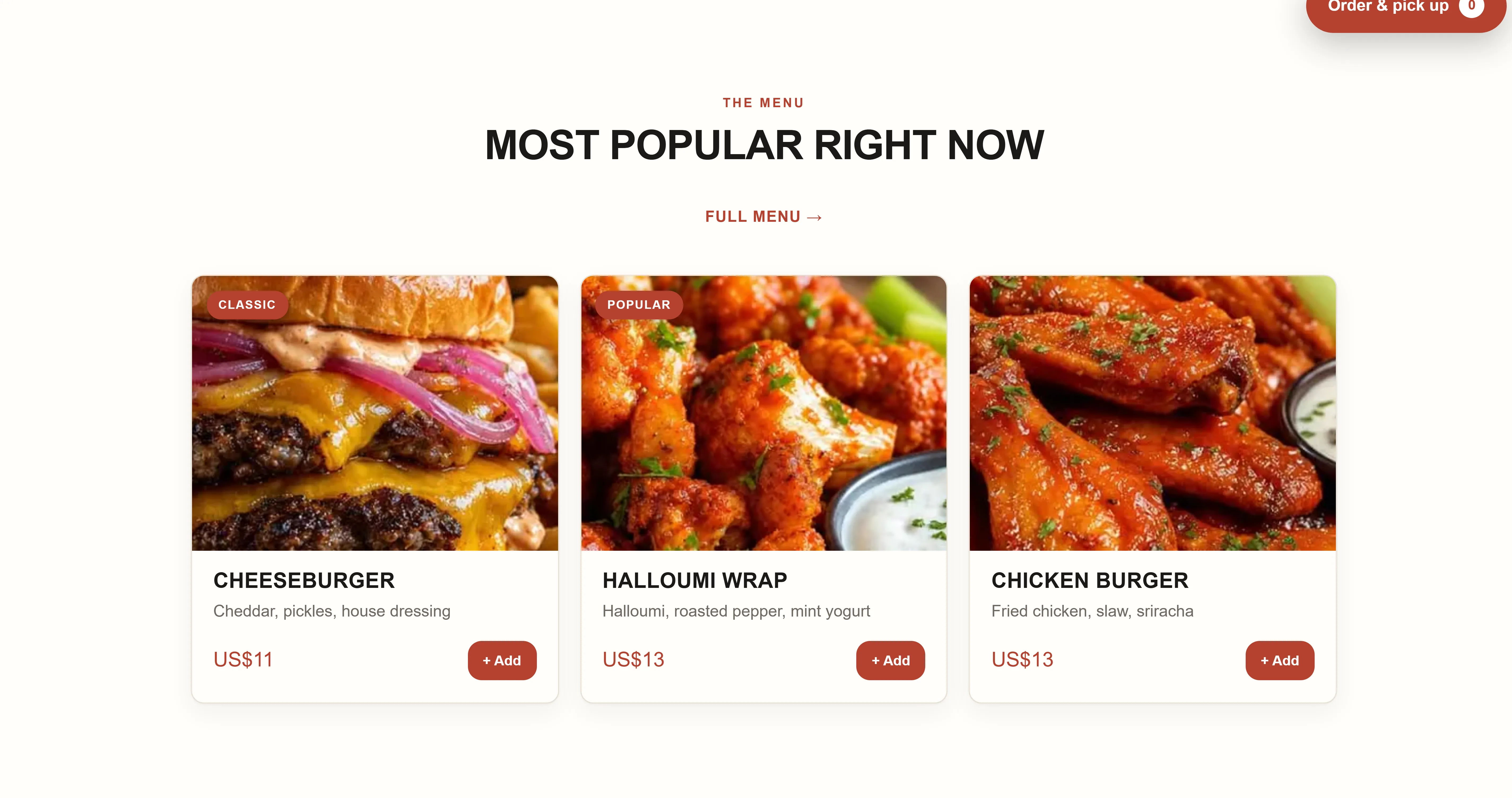
The bottleneck in fast food is the line between noon and one. An ordering system lets the guest place the order on the way to you and collect it ready, so the line gets shorter without you cooking more than you can keep up with.
- Order on the way over
- Prep time you set
- Ready shows on the phone
- Pause when it gets too much
- Free website
- Stamp card
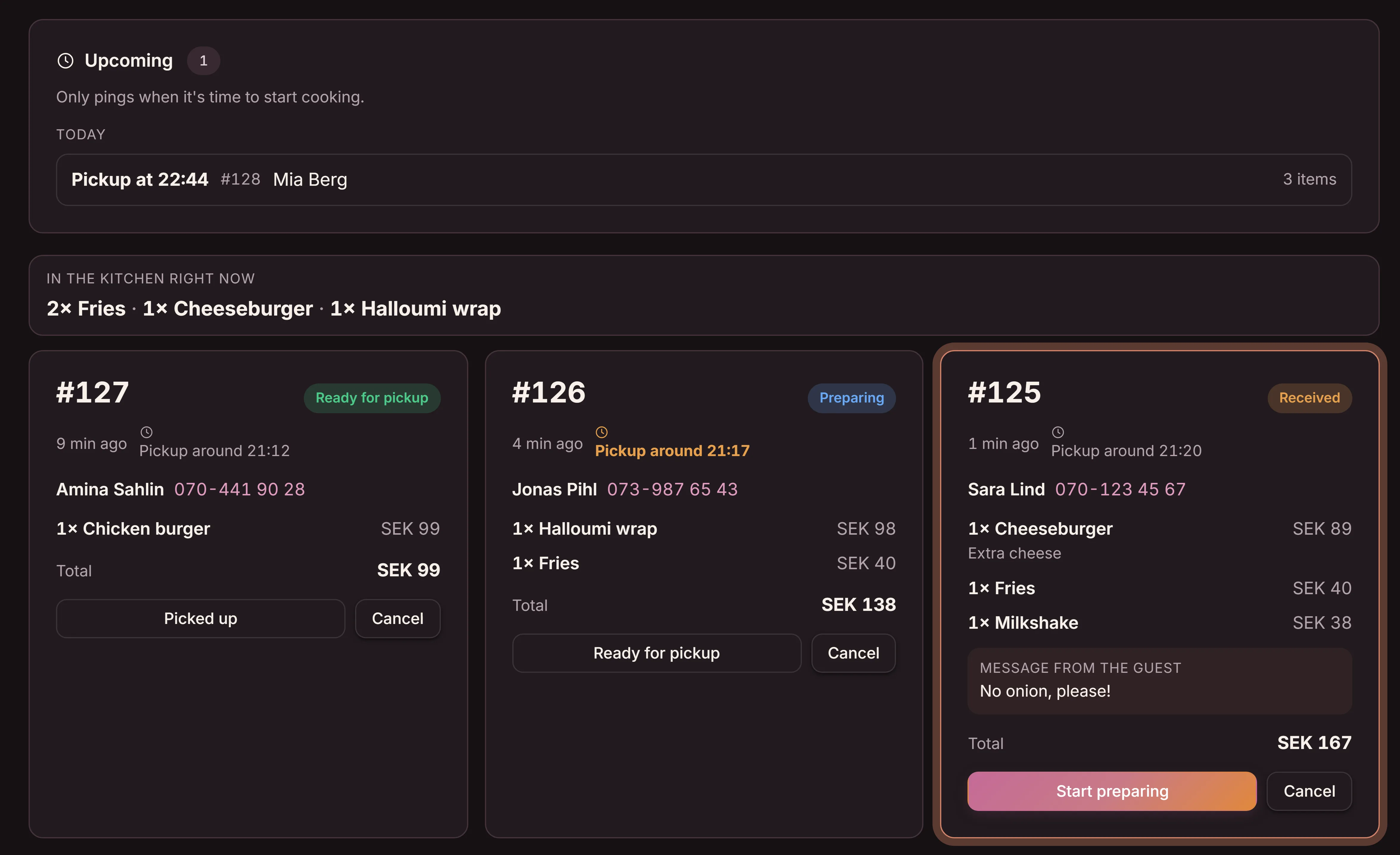
The orders on a screen instead of a line at the counter
Every order has its own state: received, cooking, ready for pickup. At the top you see what the kitchen has going right now, so you can drop four portions of fries at once instead of one at a time. If the pressure builds you raise the prep time or pause — the guest sees it straight away.
The difference from everyone standing in the same line
A line at the counter means the person who wants one burger waits as long as the one ordering for five. Anyone with a thirty-minute lunch works that out and goes somewhere else tomorrow.
- Everyone waits in the same line, whatever they ordered
- The register takes both the order and the payment
- The guest cannot see how long the wait will be
- The kitchen does not know what is coming next
- Whoever ordered ahead collects straight away
- The payment is already done
- The guest gets a pickup time before leaving the office
- The kitchen sees every order and can cook smarter
A fixed price, and 0% on what you sell
What fast food owners ask
Is it not just another line to keep track of?
The opposite — this one is visible. Today the next order lives in the head of whoever is on the register. On the screen the whole kitchen can see what is coming, in what order, and what to cook several of at once.
What happens when it gets too much?
You raise the prep time with one tap, or pause ordering entirely. The guest sees the new time before placing the order, so nobody waits for food you cannot get to. Switch it back on when you have caught up.
We already have a POS system. Does this clash?
No. Orders placed ahead come through us; anything rung up over the counter goes through your register as usual. Payment on the premises stays in your POS system, as usual, and we are not taking that part over.
What does it cost?
$29 a month per location, and the first month is free. Goboblo takes 0% on the orders themselves — you only pay the card fee, straight to Stripe. It is all on the pricing page.
Is this not the same as for a pizzeria?
Almost — same tools, different problem. A pizzeria wants the phone to stop ringing mid-rush; you want a shorter line at the counter. If you sell pizza, there is a page for pizzerias.
Will guests come back?
Lunch guests are the most repeat customers there are — same people, same time, four days a week. The stamp card is built for exactly that, and it is free up to 150 guests.
The rest of the system
Ordering shares its menu with the QR menu at the counter and with the restaurant website — one change, every place. Guests who come back collect on the stamp card.
Want to see what the orders look like on screen?
Create an account and the menu and the site are already there. Switch ordering on when you are ready — the first month is free.